










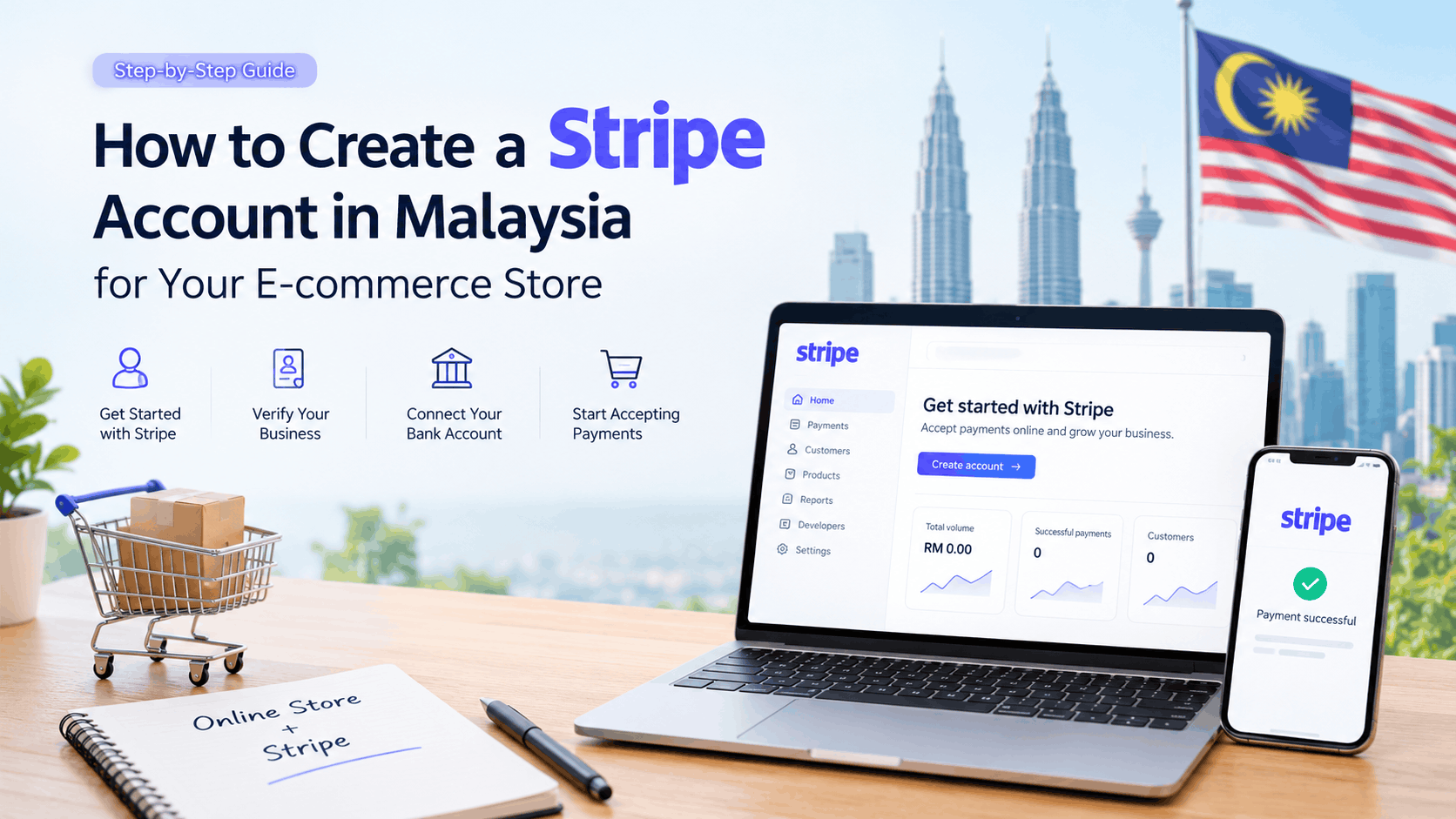
Are you planning to launch an online store in Malaysia and want to accept payments securely? Stripe is a popular online payment gateway that allows businesses to accept card payments and other supported payment methods through their websites.
The good news is that Stripe supports eligible businesses in Malaysia. Whether you sell clothing, beauty products, electronics, digital products, or other permitted goods and services, you can apply for a Malaysian Stripe account and integrate it with your e-commerce store. Approval depends on Stripe’s verification process and business requirements.
In this guide, we’ll explain how to create a Stripe account in Malaysia, what information you need, and how to connect it to an online store.
What Is Stripe?
Stripe is an online payment processing platform that enables businesses to accept and manage digital payments. It can be integrated with e-commerce websites, mobile applications, subscription services, and other online business platforms.
Some key benefits include:
- Accept online card payments from customers.
- Support international customers and eligible currencies.
- Integrate with platforms such as WooCommerce and Shopify.
- Manage payments, refunds, and transactions through a dashboard.
- Access fraud prevention and payment management tools.
- Offer supported local payment methods, depending on your account and integration.
Stripe is suitable for businesses that want to sell online in Malaysia and potentially expand into international markets.
Requirements for Opening a Stripe Account in Malaysia
Before starting the registration process, prepare the following information.
1. Business Information
You will need accurate details about your business, including:
- Business or trading name
- Business registration or identification details, as applicable
- Physical business address in Malaysia
- Contact email address and phone number
- Website URL
- Description of the products or services you sell
Stripe’s Malaysian agreement allows eligible businesses, including sole proprietors, and certain other eligible entities or persons located in Malaysia to apply. The information and documents required depend on your business structure.
2. Personal Identification
Stripe may ask you to verify the identity of the account representative, business owners, directors, or other relevant individuals.
Prepare a valid government-issued identification document and any additional information requested during verification.
3. Bank Account
You should have a bank account that meets Stripe’s payout requirements. Ensure the account ownership details match the information you provide during registration.
Stripe may request additional documentation to verify the bank account.
4. E-commerce Website
Your online store should be ready for review. Ideally, it should include:
- A working homepage
- Product or service listings with clear descriptions and prices
- Contact information
- Shipping and delivery policies, where applicable
- Refund and return policies
- Privacy policy
- Terms and conditions
Your website should accurately describe what you sell and how customers can contact you. Stripe may request website ownership verification or additional information during its review.
Step-by-Step Guide to Creating a Stripe Account in Malaysia
Step 1: Visit the Official Stripe Website
Visit the official Malaysian Stripe website:
Click the option to start or create an account.
Use the official Stripe website rather than a third-party registration service.
Step 2: Register Your Account
Enter your email address, full name, and other requested login information.
Create a strong password if prompted, and secure your account with any available additional authentication options.
Use an email address that you regularly monitor because Stripe may send verification requests, account updates, and payment notifications.
Step 3: Select Malaysia as Your Business Country
Choose Malaysia as the country associated with your Stripe account if your business is based there and meets the eligibility requirements.
Important: Your account country should accurately represent your business. Do not select another country simply to access different payment features or bypass eligibility requirements.
Step 4: Enter Your Business Details
Stripe will ask for information about your business.
Complete the requested fields, which may include:
- Business type
- Legal business name
- Trading name, if applicable
- Business registration number
- Business address
- Industry or business category
- Website URL
- Description of your products or services
Choose the correct business structure and make sure the details match your official records.
For example, if you operate a registered Malaysian business selling beauty products online, provide the appropriate registration details and explain what products you sell.
Step 5: Provide Representative and Owner Information
Stripe may request details about the person managing the account and individuals who own or control the business.
Depending on your business structure, this can include:
- Full legal name
- Date of birth
- Residential address
- Identification details
- Ownership or management information
Enter the information accurately and provide any supporting documents requested by Stripe.
Step 6: Connect Your Bank Account
Add a bank account that meets Stripe’s payout requirements.
Double-check the account holder’s name and account details before submitting them. If Stripe requests proof of account ownership, upload the specified document through your Stripe Dashboard.
Once your account is approved and payouts are enabled, Stripe can transfer eligible funds to your designated bank account according to its payout schedule.
Step 7: Complete Account Verification
Review your Stripe Dashboard for outstanding verification requirements.
Depending on your circumstances, Stripe may request:
- Identity verification documents
- Business registration documents
- Proof of business address
- Bank account verification
- Additional details about your products or services
- Confirmation that you own or operate the website
Upload clear, valid documents that match the information on your account.
The review time varies, and additional checks may be required. Creating an account does not automatically mean it is approved to process live payments.
Step 8: Activate Your Stripe Account
After submitting the required information, check your Dashboard and email for updates.
If Stripe requests further information, respond promptly and provide the documents or explanations requested.
Once the necessary requirements have been satisfied and your account is approved for payment processing, you can proceed with the integration.
How to Connect Stripe to Your E-commerce Website
After completing the account setup, the next step is to integrate Stripe with your online store.
The process depends on which e-commerce platform you use.
Option 1: Connect Stripe to WooCommerce
If your website runs on WordPress and WooCommerce, follow these steps:
- Log in to your WordPress admin dashboard.
- Navigate to Plugins → Add New Plugin.
- Search for the official Stripe payment gateway for WooCommerce.
- Install and activate the appropriate plugin.
- Open the WooCommerce payment settings.
- Connect your Stripe account using the supported connection process.
- Configure the payment methods available to your business.
- Test the checkout process before accepting live payments.
You should test successful payments, failed transactions, refunds, and order status updates where applicable.
Use test mode while configuring the integration, then switch to live mode when your account and store are ready.
Option 2: Connect Stripe to Shopify
For Shopify stores, check the payment providers available for your store’s country and account.
If Stripe is offered directly through your Shopify setup, follow the platform’s activation instructions. Availability can vary by country, and Shopify’s payment options should be checked before choosing your integration method.
Option 3: Integrate Stripe Into a Custom Website
If your website uses a custom-built platform, a developer can integrate Stripe using its supported APIs and checkout solutions.
This approach can offer greater flexibility for custom checkout flows, subscriptions, and specialized business requirements. It also requires appropriate development, testing, and security practices.
What Are Stripe’s Fees in Malaysia?
Stripe’s pricing depends on the payment method and applicable service.
At the time of writing, Stripe’s Malaysian standard pricing page lists a rate of 3% + RM1.00 per successful card charge or successful bank transaction. Other payment types, international transactions, currency conversion, and additional services may have different applicable charges.
For example, if a customer makes a RM100 payment and the listed standard rate applies, the processing fee would be RM4.00, leaving RM96.00 before other applicable costs.
Always check the latest rates and terms directly on the official pricing page:
https://stripe.com/en-my/pricing
Common Problems When Creating a Stripe Account
Business Verification Failed
This can happen when the business details do not match the submitted documents or when additional verification is required.
Solution: Review the information in your Dashboard and submit clear, current documents that match your business records.
Bank Account Verification Issues
Incorrect bank details or a mismatch between the account holder’s name and the submitted business information may delay verification or payouts.
Solution: Check the account details and follow Stripe’s specific instructions for bank verification.
Website Not Ready for Review
A website with missing product details, unclear business information, or incomplete customer policies may require further review.
Solution: Complete the relevant website pages and make sure your business and contact information are accurate.
Payments Are Not Working
Payments may fail if the account is not fully activated, the integration is incorrectly configured, or the selected payment method is unavailable.
Solution: Review the Dashboard for outstanding requirements, check your payment gateway settings, and test the checkout process.
Tips for Malaysian E-commerce Businesses
Before accepting live payments, keep these points in mind:
- Use accurate business and identity information.
- Make sure your website clearly explains what you sell.
- Display clear shipping, refund, privacy, and contact information.
- Test the entire checkout process before launch.
- Review transaction fees and payout timing.
- Keep your Stripe account secure and monitor transaction activity.
- Check Stripe’s prohibited and restricted business requirements before selling specialised products or services.
If you plan to sell internationally, also consider shipping costs, currency conversion, applicable taxes, consumer protection rules, and the payment methods preferred by your target customers.
Frequently Asked Questions
Can I create a Stripe account in Malaysia?
Yes. Stripe supports eligible Malaysian businesses. You must provide the required business and personal information and satisfy Stripe’s verification and approval requirements.
Do I need a registered company to open a Stripe account?
Not necessarily. Stripe’s Malaysian agreement includes eligible sole proprietors as well as other eligible businesses and entities. The appropriate requirements depend on your business structure and circumstances.
Can I use Stripe for a WooCommerce store?
Yes. Stripe can be integrated with WooCommerce using a supported payment gateway integration, provided your account and business are eligible.
Can Malaysian businesses accept international payments?
Stripe supports international payments, subject to available payment methods, currencies, account capabilities, and applicable restrictions. Review the features enabled for your account before launching internationally.
How long does Stripe account approval take?
There is no single guaranteed approval time. Some accounts may complete verification quickly, while others require additional documents or review.
Can I use Stripe without a website?
Stripe offers different products and payment options, but requirements depend on the service and business model. For a conventional e-commerce store, having a complete, working website is strongly recommended, and Stripe may ask to verify it.
Conclusion
Creating a Stripe account in Malaysia is a practical step toward accepting online payments for your e-commerce business. Start by preparing your business details, identity documents, bank information, and website. Then register through Stripe’s official website, complete the verification process, and connect the approved account to your store.
Whether you use WooCommerce, Shopify, or a custom-built website, make sure the payment integration is tested before accepting live transactions.
Need help integrating Stripe into your e-commerce website? A professional web development team can help you configure the payment gateway, test checkout functionality, and prepare your online store for launch.
Official Resources
- Stripe Malaysia: https://stripe.com/en-my
- Stripe Global Availability: https://stripe.com/global
- Stripe Malaysia Pricing: https://stripe.com/en-my/pricing
- Stripe Account Verification Guide: https://support.stripe.com/questions/what-do-i-need-to-do-to-verify-my-stripe-account/
- Stripe Malaysia Services Agreement: https://stripe.com/en-my/legal/ssa/my